Sanic's LibreWorlds 101
After installing WorldsPlayer, configuring the settings, and joining the discord, you can now start to explore LibreWorlds! :D
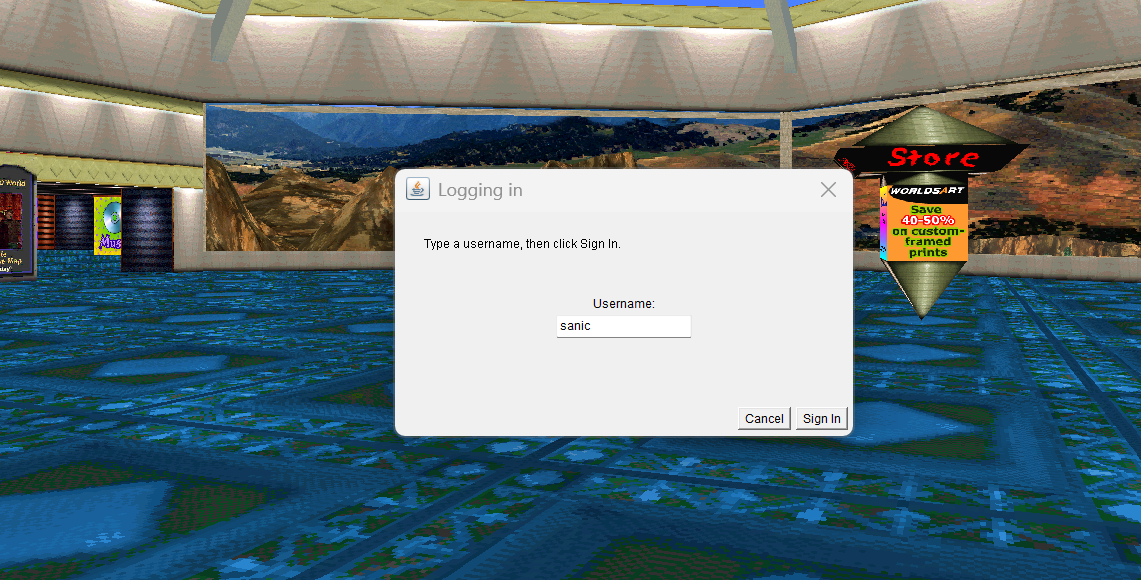
Pick a username. You can change it later if you want.
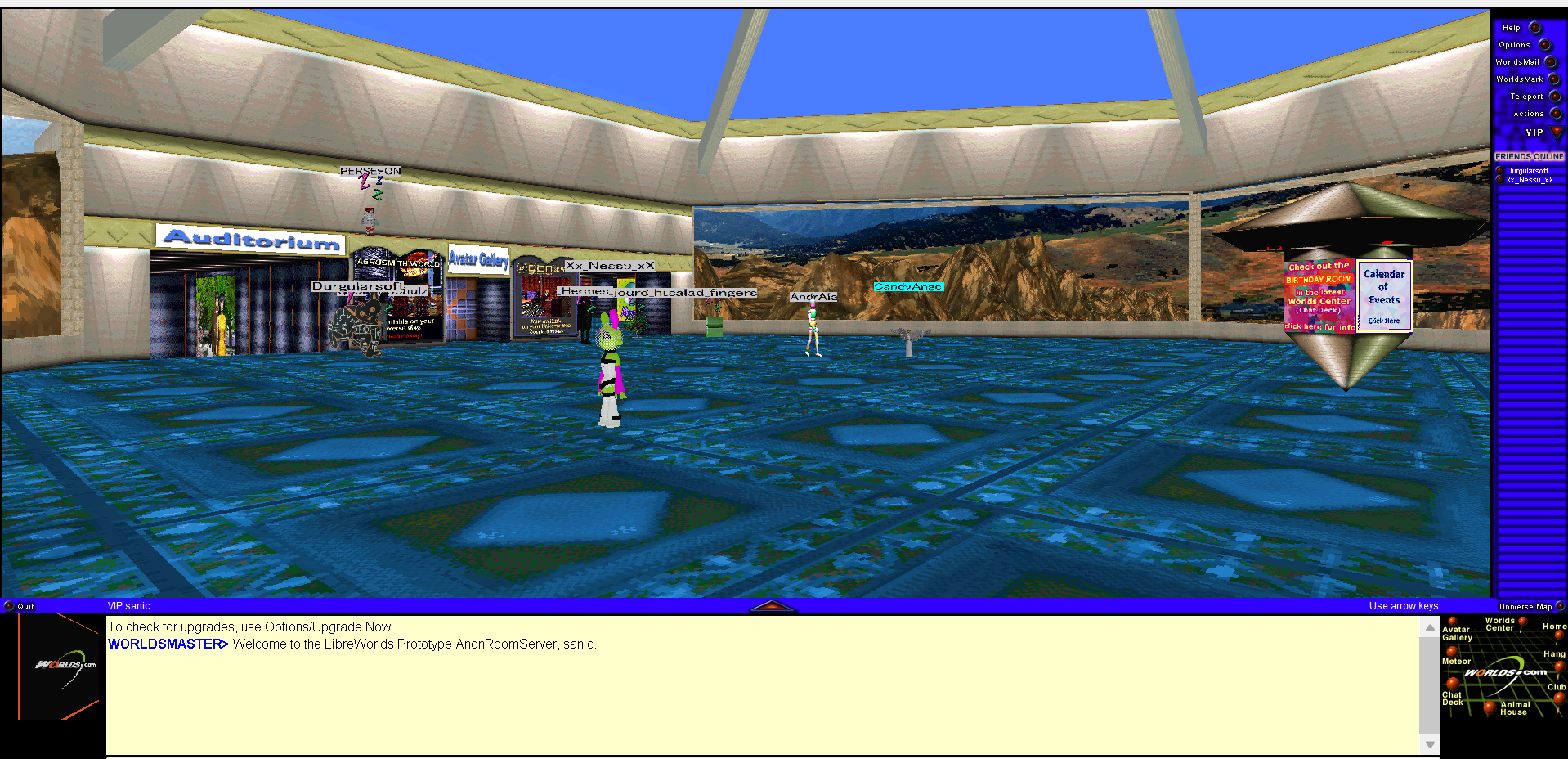
You will see other players in GroundZero. The fun begins!
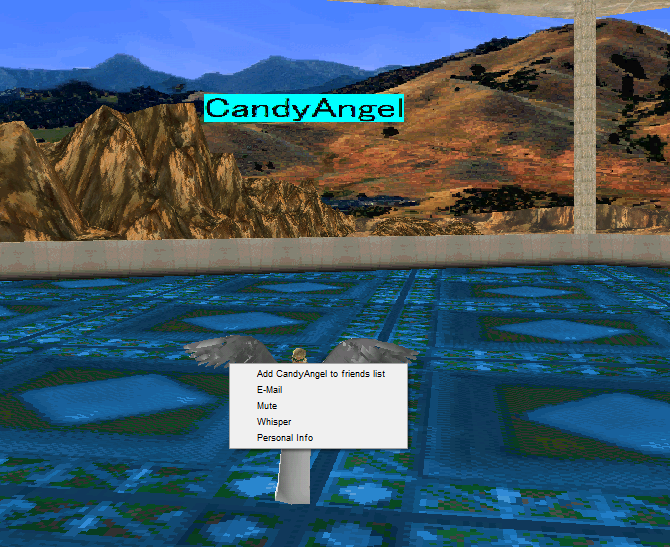
To interact with other players, left-click on them. You will see a menu.
>> If you want to teleport to someone and chat with them easily, add them as a friend.
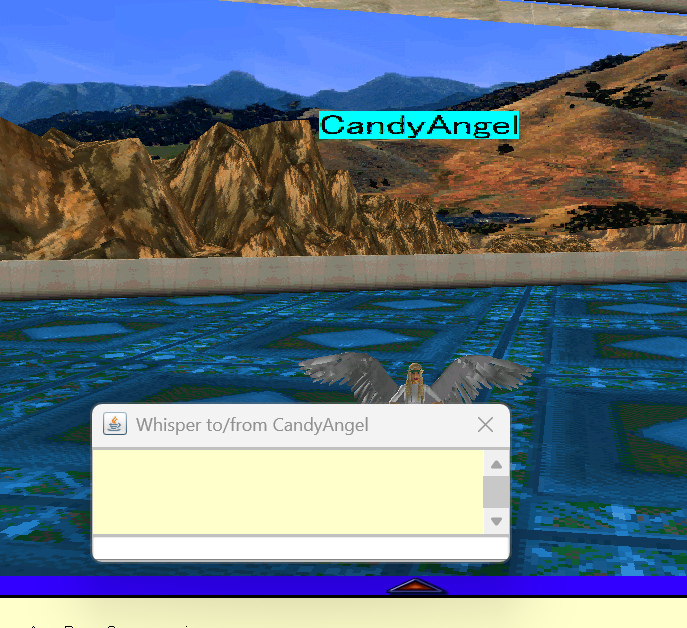
>> If you want to start a private chat with someone, click "Whisper".
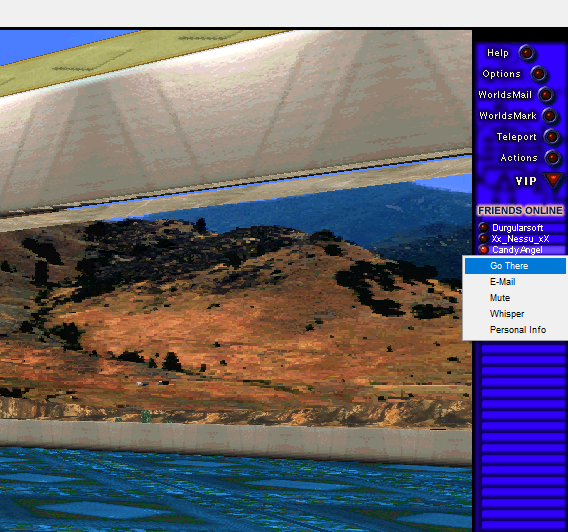
To Teleport to a friend, go to the top-right menu of friends
>> Click on the name of the friend, then click "Go there".
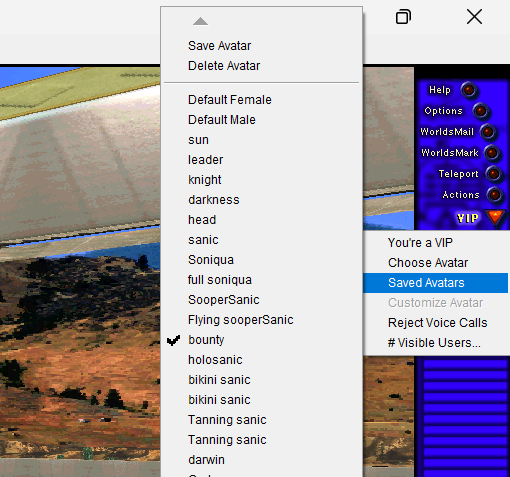
To access saved avatars, or save/delete an avatar, click on "VIP" Button.
>> Then click on "Saved Avatars"
>Go to WorldsMarks Tutorial