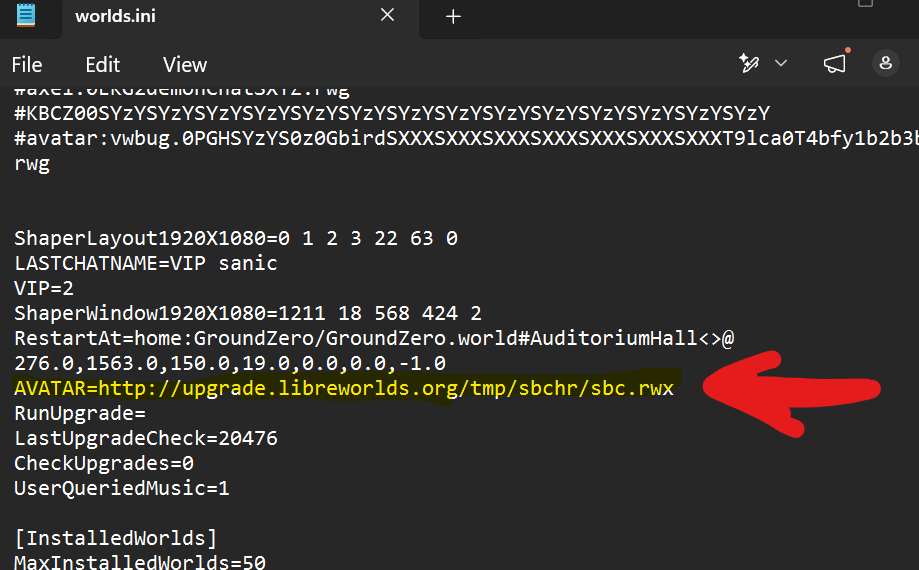
How to use Sanic's Avatars
Step 1: Copy the avatar string.
Step 2: Go to WorldsPlayer directory.
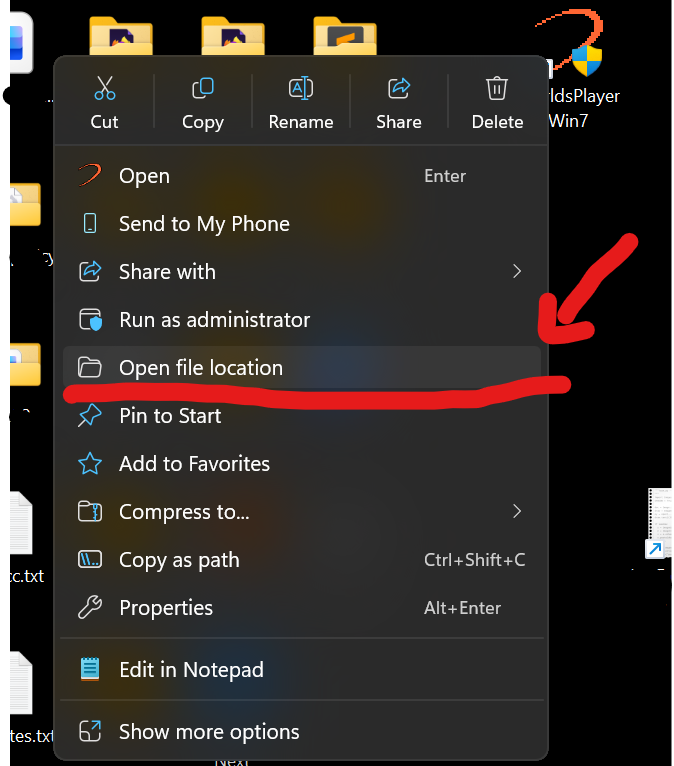
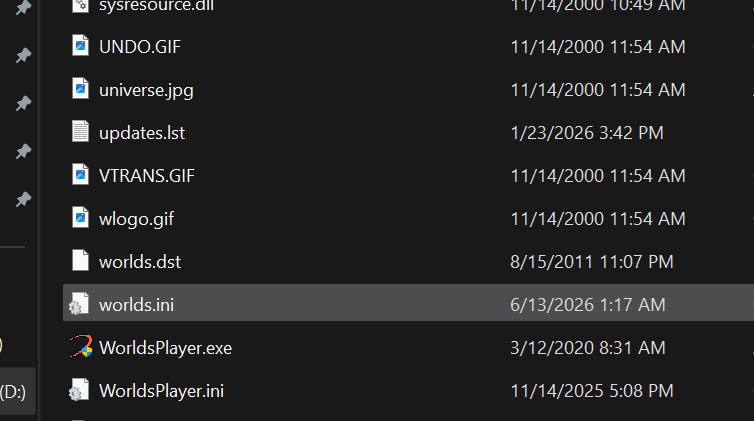
Step 3: In the WorldsPlayer directory, find the "worlds.ini" file.
To find it easily: you can sort files by name and scroll down.
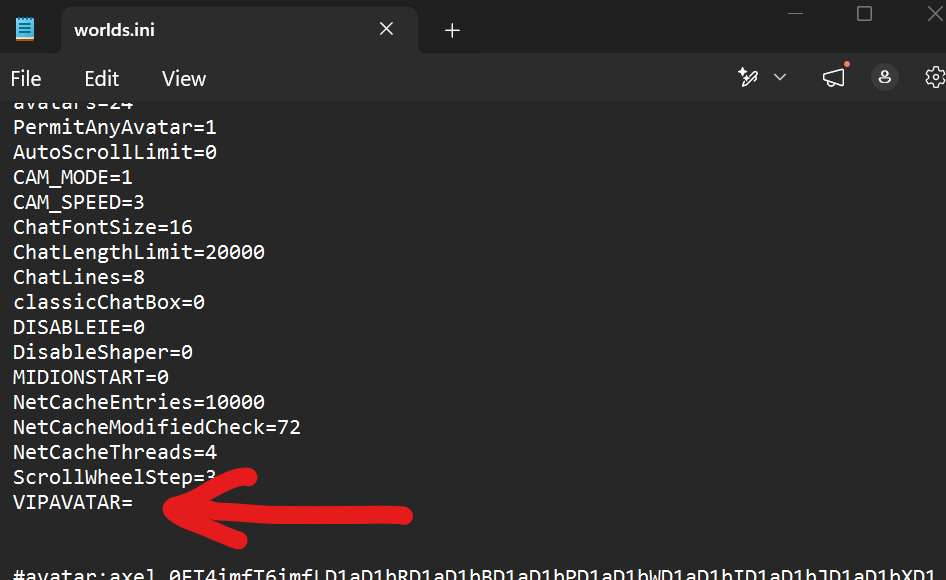
Step 4: Open worlds.ini file.
If the string you copied ends in .rwg -> go to "VIPAVATAR" and paste it there (paste it after "="). Then save (Ctrl+s) and close the file.
If the string you copied ends in .rwx (hologram) -> go to "AVATAR" and paste it there (paste it after "="). Then save (Ctrl+s) and close the file.